
Adding a network share to Finder's favourites


I use a Synology to store all my files. One thing that’s bothered me a lot is that macOS doesn’t allow you to drag and drop a network share (or Sharepoint as Apple likes to call) them to your Finder’s favourites.
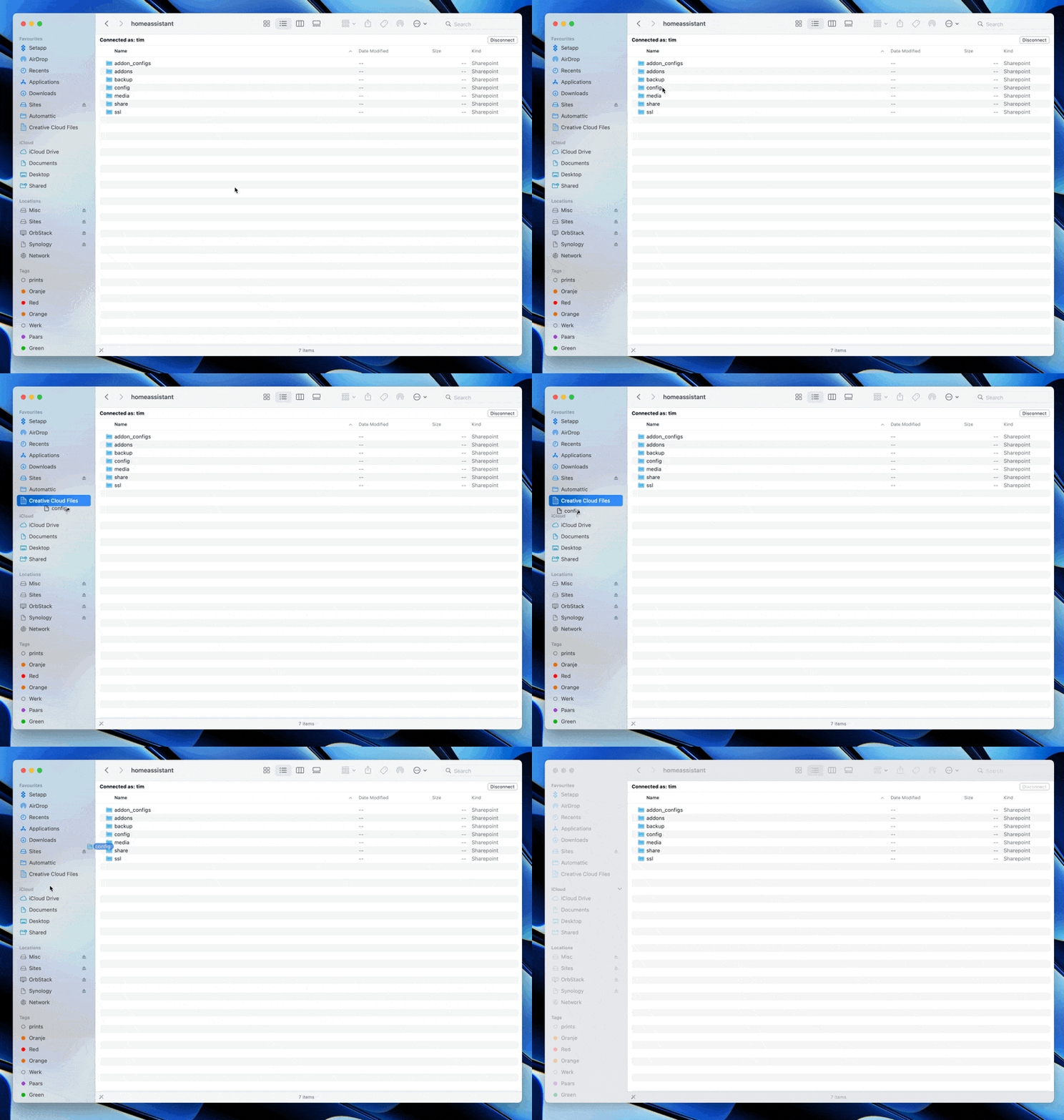
It seems like Apple really doesn’t want you to do that. Luckily, there’s a workaround.
With Finder focused, in the menubar choose View > Show Path Bar. Now enter the share you want to move to your favourites, and drag it there from the path bar.
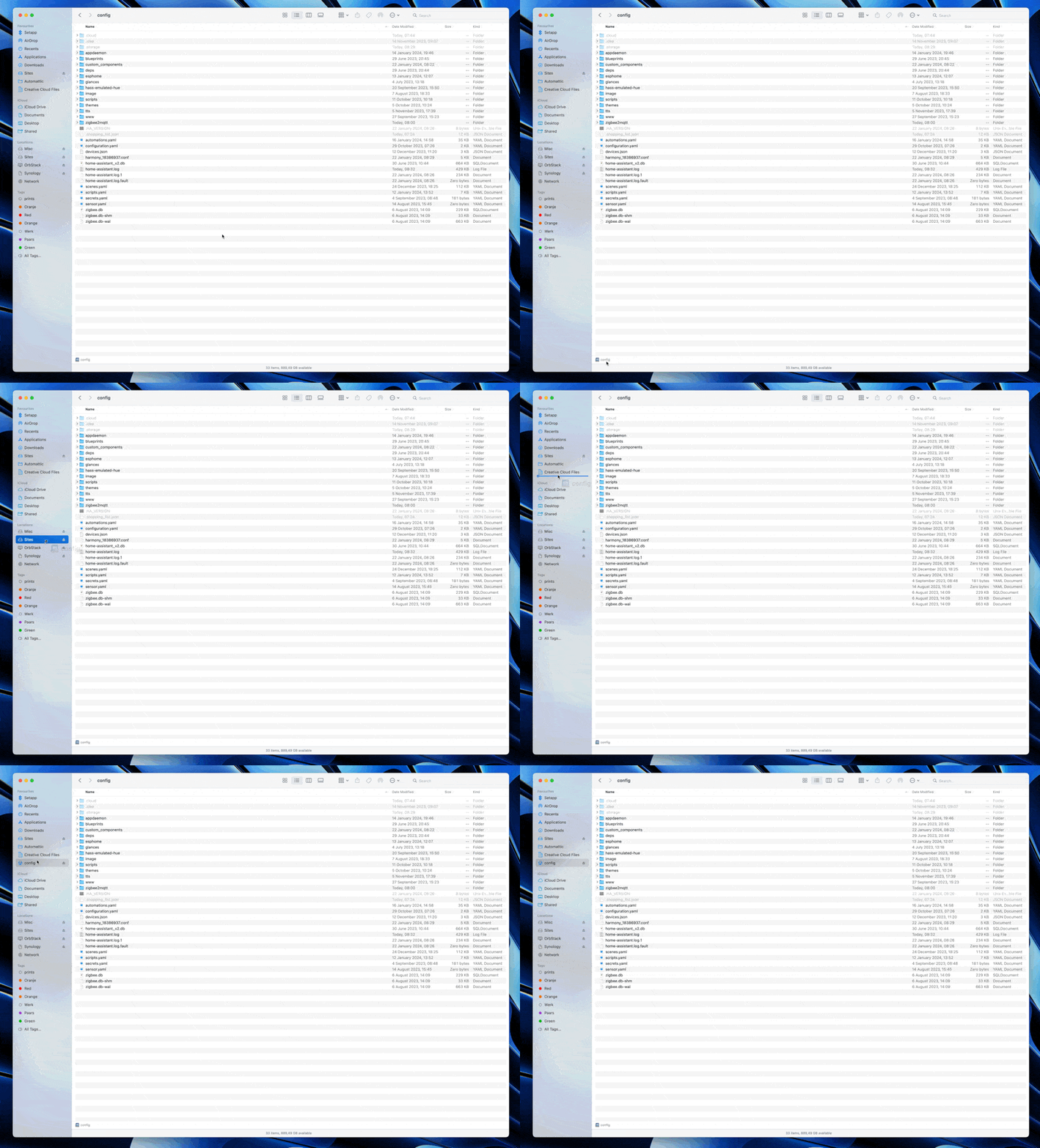
There you go. This will now stay in your Favourites forever, and will mount the network share when it isn’t already connected when you click it.