Introducing HomeBar for Homey Pro
Frustrated by digging for my phone to close office shades, I built HomeBar: a sleek macOS menubar app for Homey Pro. Control devices, run flows, and track energy, all in one click.

We recently migrated from Home Assistant to Homey, for our smart home management. I'll write a blog post about the why and how everything went someday (spoiler: it's great).
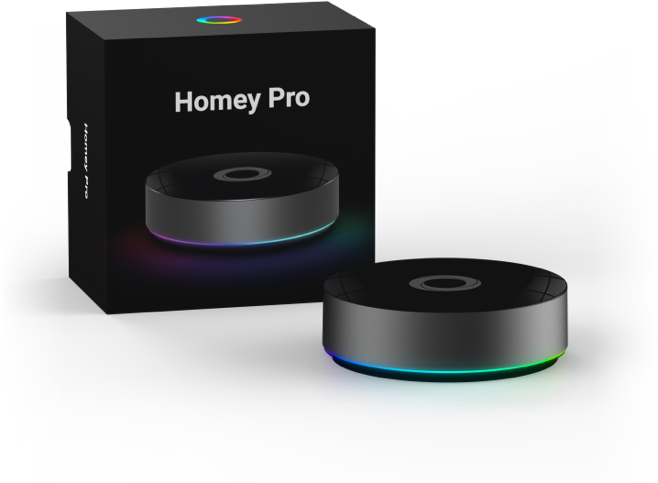
So what's a Homey? Homey is a smart home platform that connects all the smart devices you have in your house and lets them talk to each other. It allows you to turn on your Hue lights when someone is detected in your toilet by your Tuya presence sensor. And much, much more complicated things as well.
Problem: blinded by the lights
My office has a massive window with built-in shades. Which is super nice. But, at least once a day, the sun decides to blind me. To fix it, I had to:
- Stop what I was doing.
- Find my iPhone or open the Homey Web app.
- Navigate to the shades and click close.
- Repeat the whole process an hour later to let the light back in.
It felt like a chore that was begging for an automation. Or at least a faster interface.
Solution: ✨ yet another menubar app ✨
Since I’m currently in my "menubar apps era," I knew exactly what I wanted. I dug into the Homey Web API (which is super well-maintained) and hacked together a prototype.
It didn't take long to come up with a first ugly prototype:
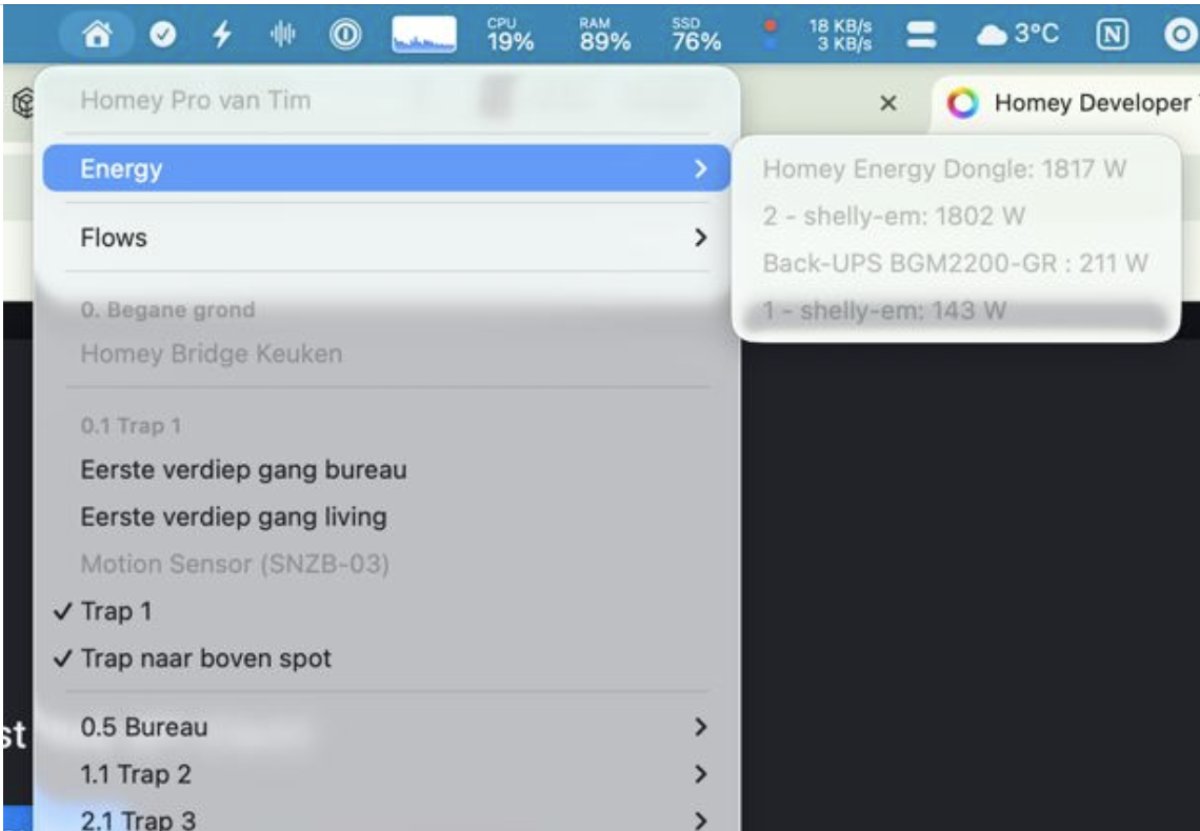
I then started polishing the UI, optimizing the click-path, and suddenly, controlling my office was a two-second task.
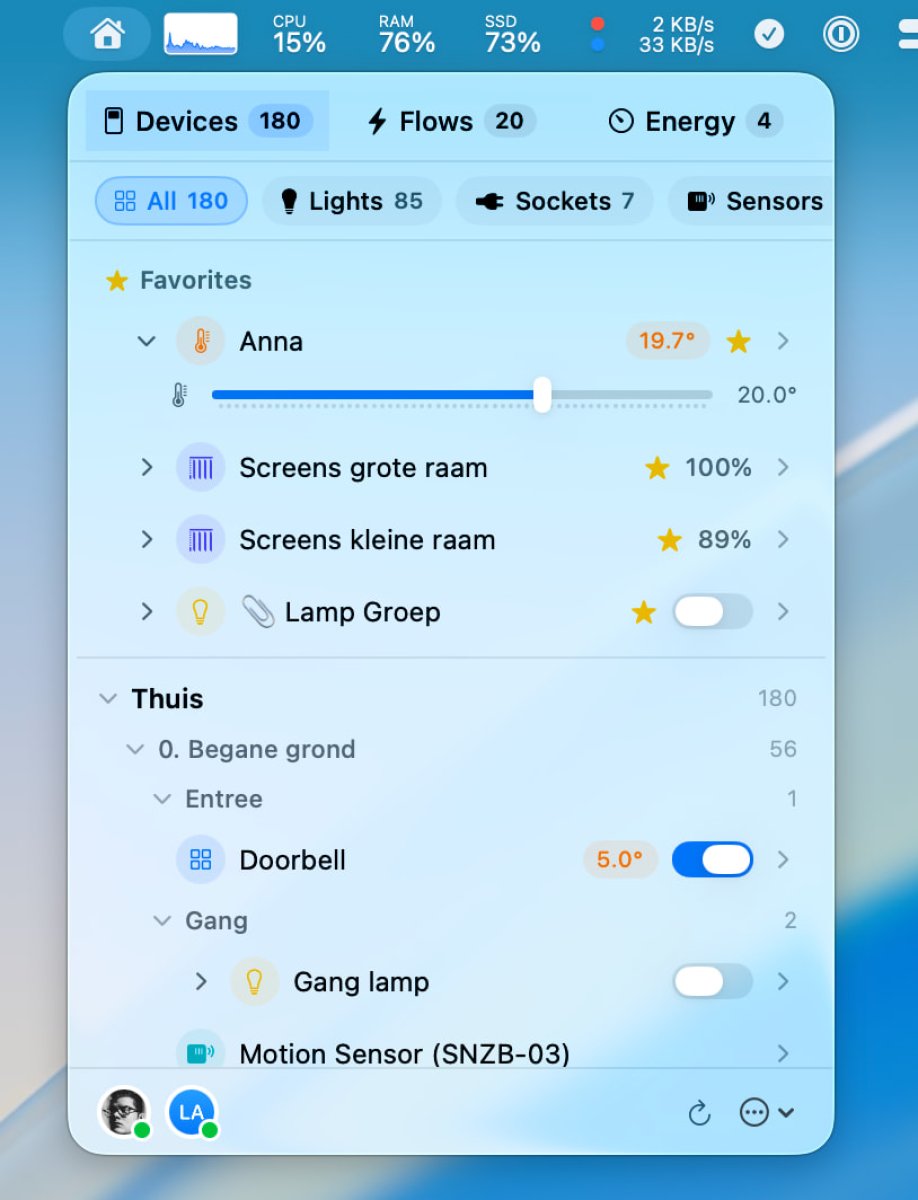
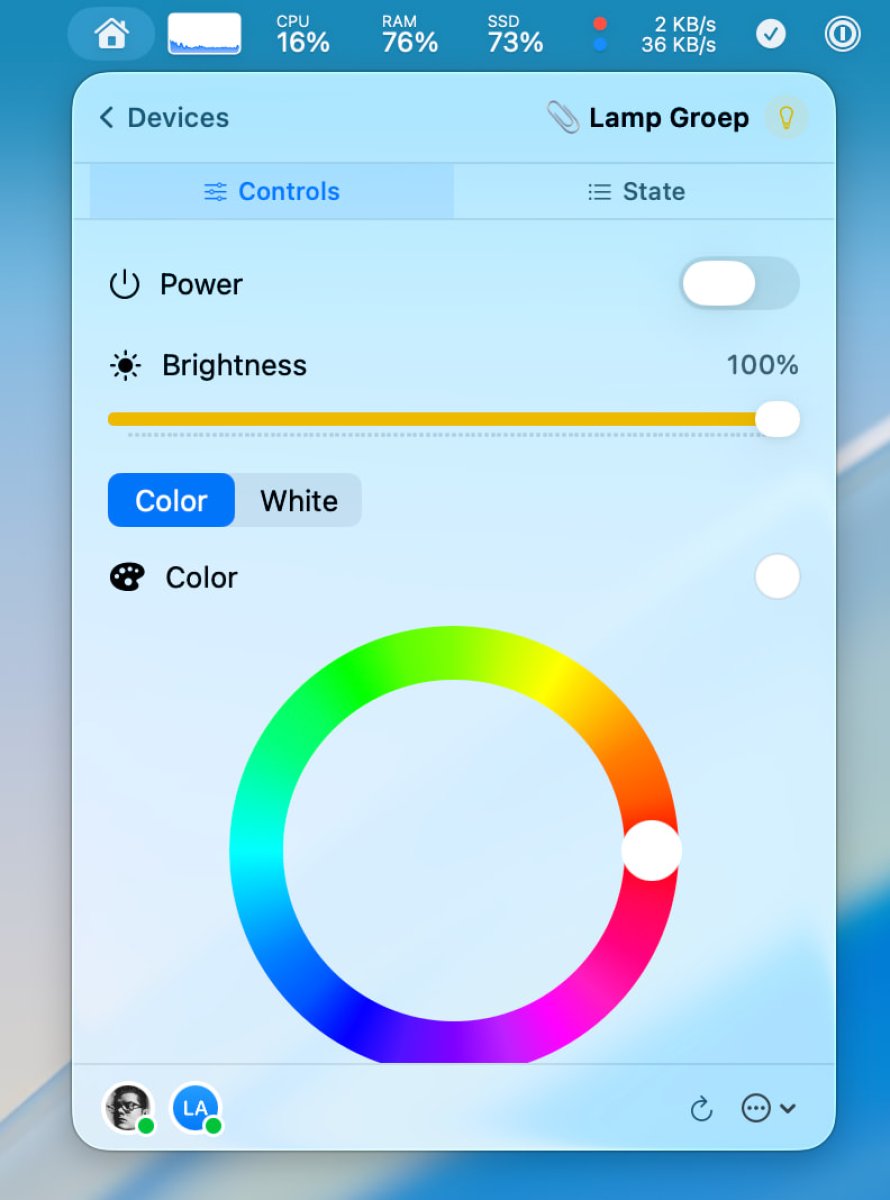
Community Feedback & Beta Testing
I released that version as a TestFlight beta, and headed over to the Homey community forums to see if anyone else wanted in. The response was wild, I had to cap the beta at 100 users.
Thanks to their feedback, the app evolved from a simple "shade toggler" into a comprehensive control center. We squashed bugs, added requested features, and turned it into a robust tool.
Version 1.0
I'm very happy to announce HomeBar for Homey Pro, a third-party app (the first?) for Homey that allows you to:
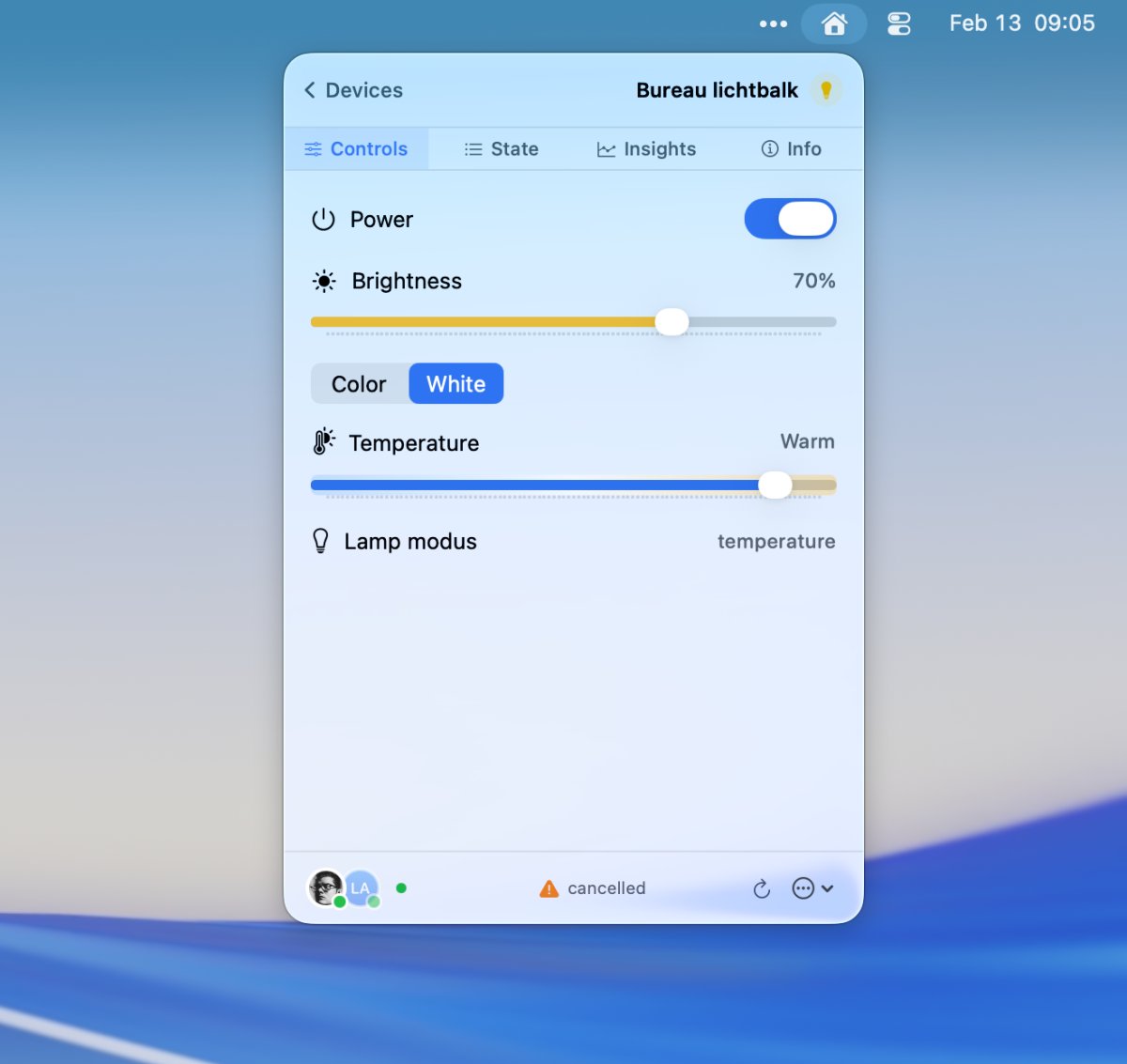
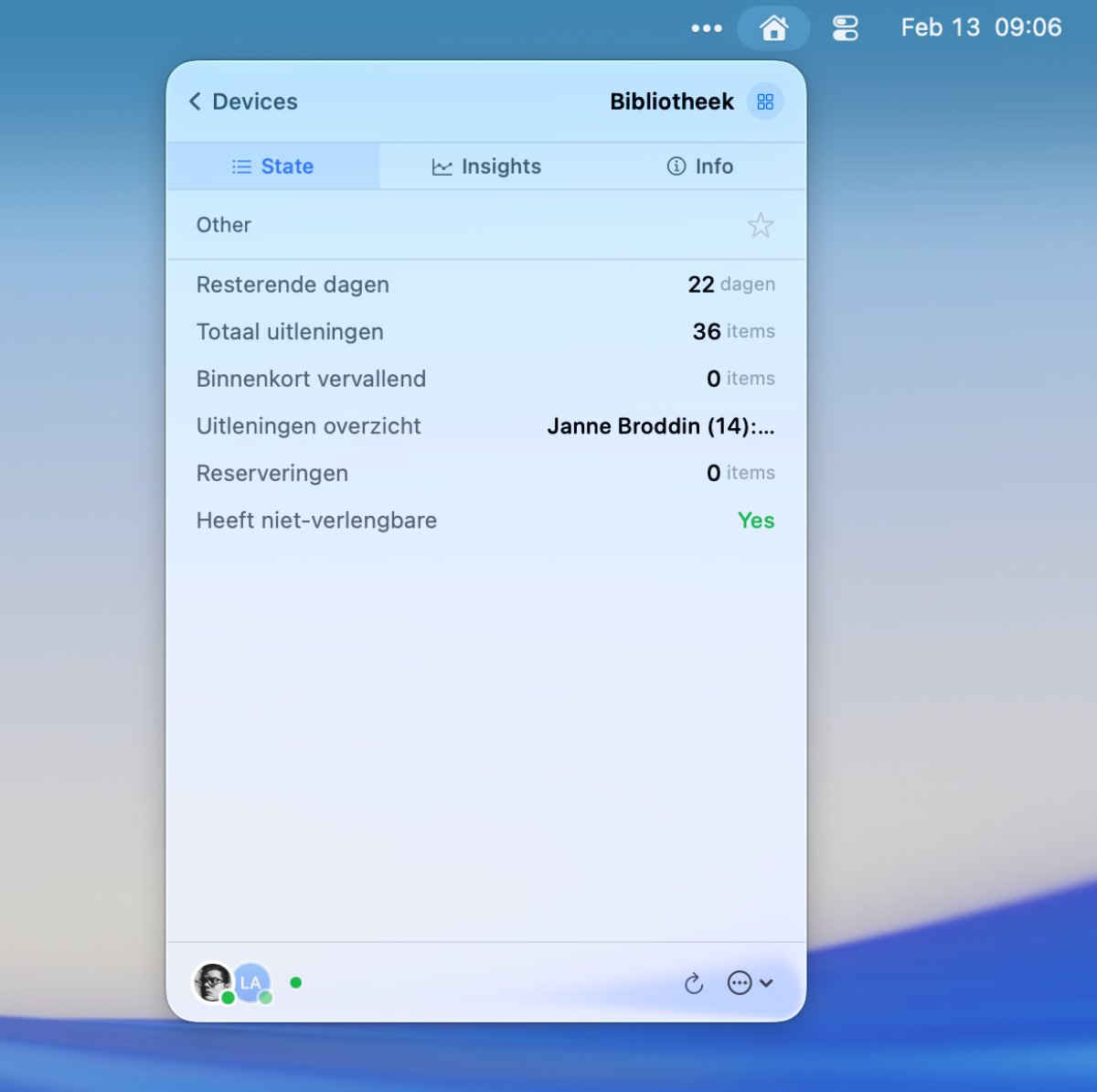
- View all your Homey devices in your menubar
- Control all your Homey Devices. It has support for all capabilities (even upcoming ones!).
- Keep your favorite devices on top.
- Group devices like lights.
- Quick access to the most used features of a device in a simple mouse click
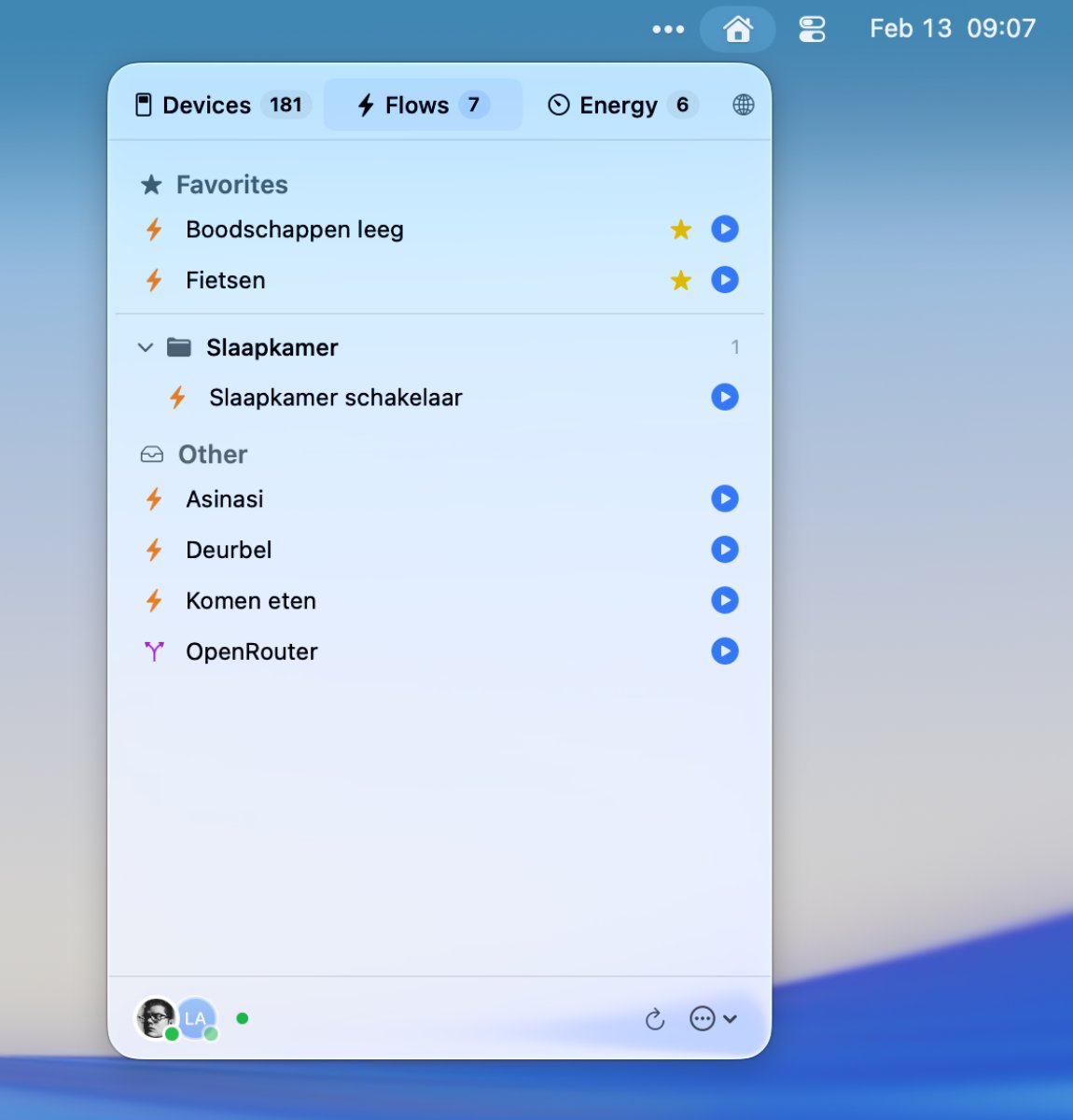
- Start flows
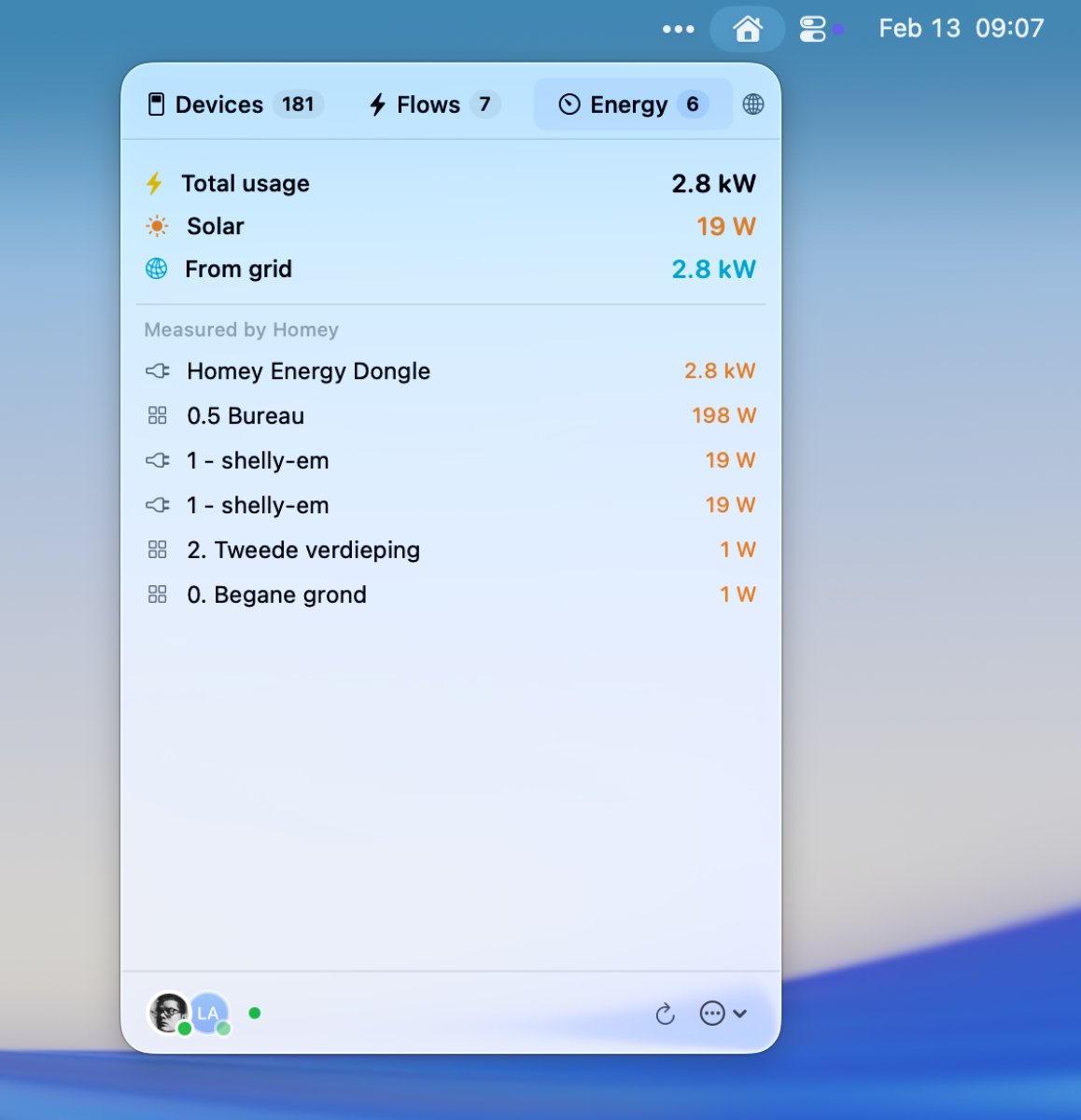
- View your energy usage
- See who's home and change your presence easily
- Support for local & cloud connections (so it even works when you're away from home)
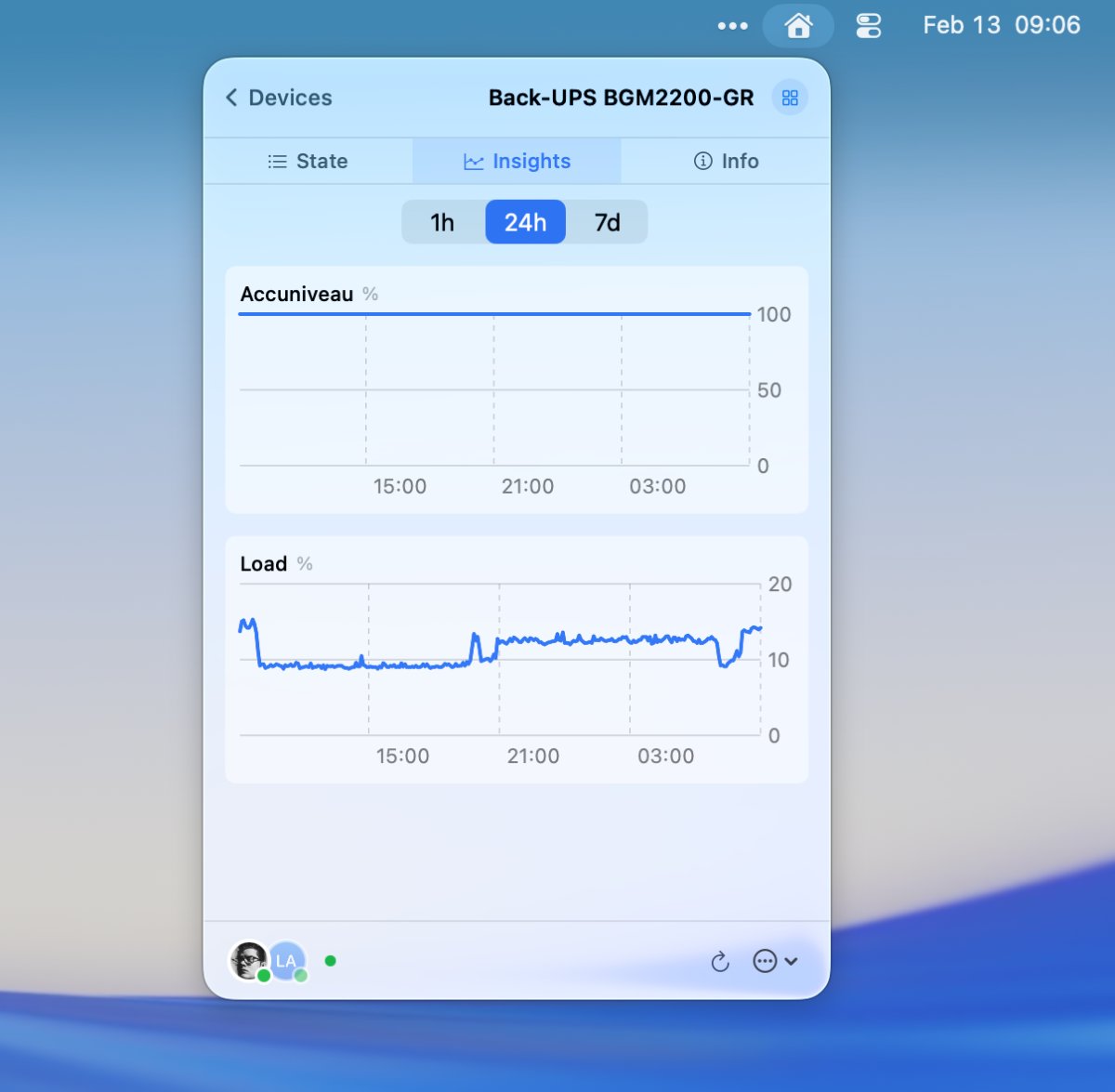
- Historical charts for any numeric capability (temperature, power, etc.)
- Multi-Homey support
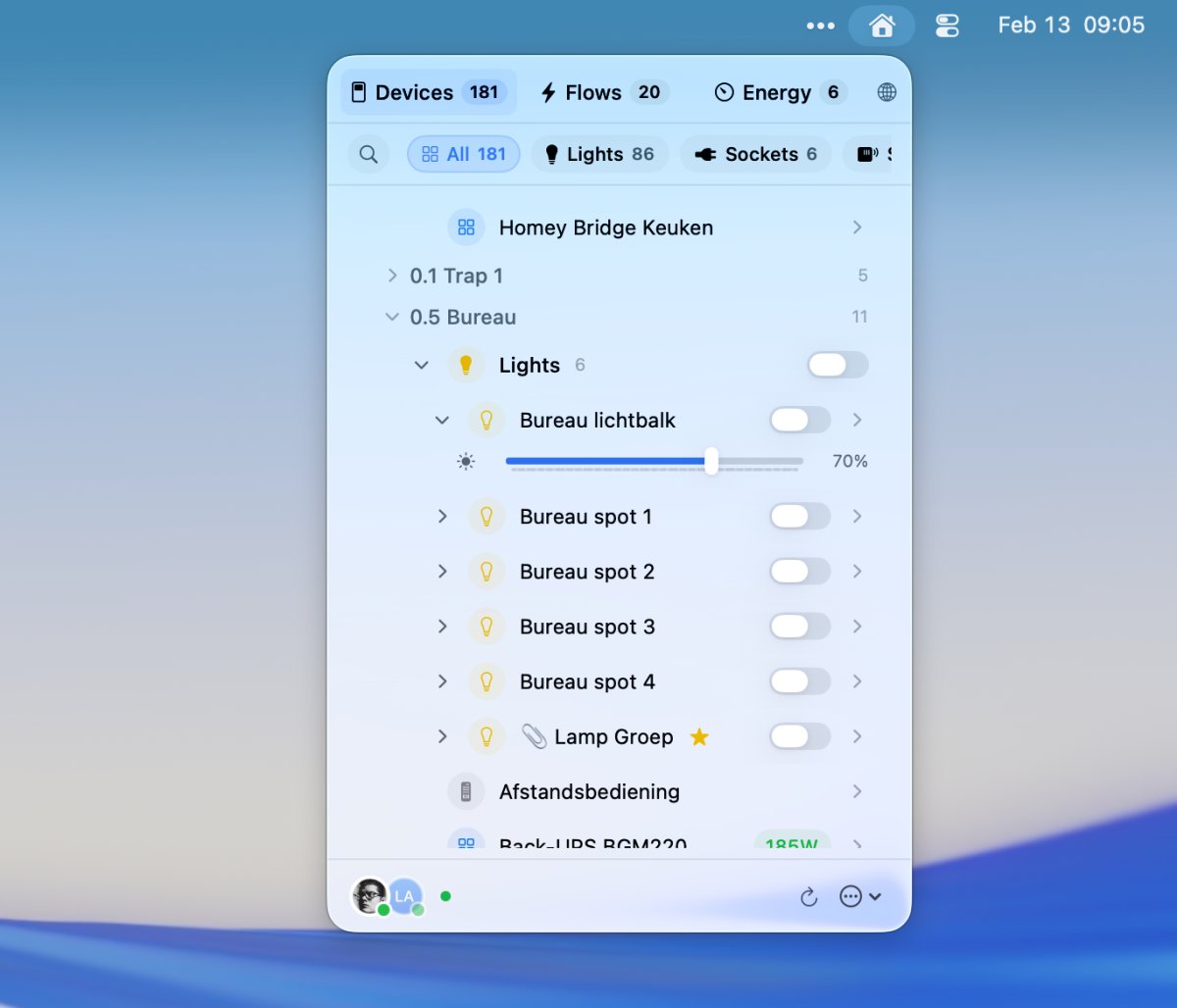
Download
You can download HomeBar from its official landing page, or directly from the Mac App Store.
Also, the founder of Homey approves 👍